POS system for fashion stores

POS system for fashion stores and shoe shops

One item in ten sizes and four colours, a customer who wants to exchange and a collection that is also online: Count-IT tracks stock per size and colour, in the shop, in your branches and in your web shop.

In short

Count-IT is a POS system for clothing stores, shoe shops and fashion boutiques. You create an item with variations in size and colour, each with its own barcode and stock, print labels, handle exchanges and returns at the point of sale and use the same stock across all your branches and your web shop.

  • Variations in size and colour, each with its own barcode and stock
  • Exchanges, returns, gift cards and loyalty points at the point of sale
  • Stock per branch, transfers and a connected web shop

Why a POS system made for fashion and shoes?

In a clothing or shoe shop you sell the same model in many versions. A pair of jeans has dozens of combinations of waist and length, a trainer a range of shoe sizes and colours. If you only track stock per model, you do not know which size has run out. And a customer who wants to exchange often wants the same jeans in a different size, so you need to see quickly whether it is still available, here or in another branch.

In Count-IT you switch on the Use variations setting. You create one item with variations, for example per size and colour. Each variation has its own barcode and its own stock, so at the point of sale you scan exactly what the customer buys and see per size what is left. If you want variations to share the stock of the parent product, you can do so with Use stock of parent product. More in product management.

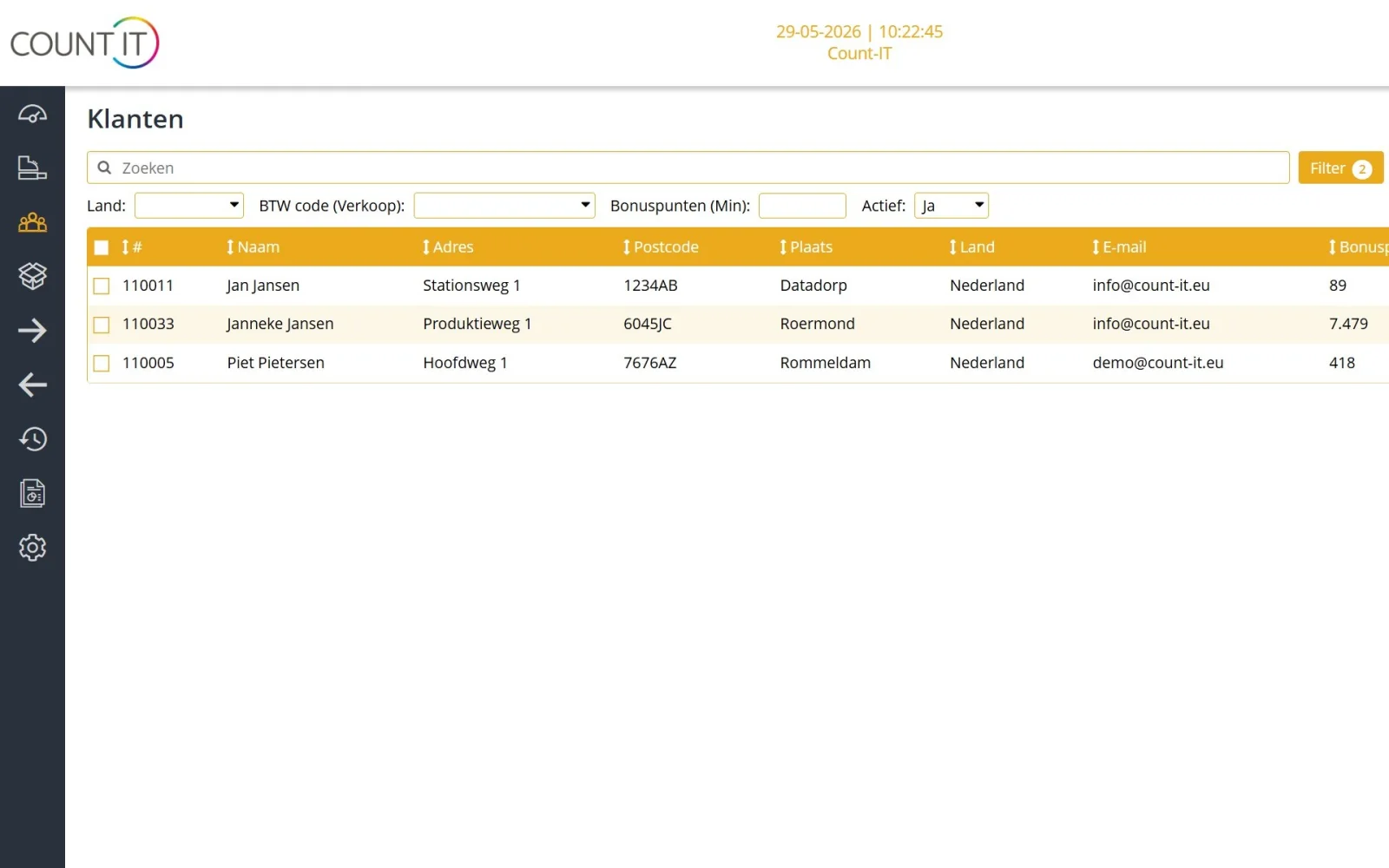
Fashion is also about regular customers and the combination of shop and web shop. With loyalty points, gift cards and customer data in the CRM you build a relationship, and with a web shop integration you sell online from the same stock. You order your collection from your suppliers via the order advice and, where the supplier supports an integration, directly through that integration.
Features

How Count-IT helps your clothing or shoe shop

Everything works with the same items, sizes and customers, in the shop and online.

Sizes and colours as variations

Create one item with variations in size and colour, or in shoe size and colour. Each variation has its own barcode and stock, so you see per size what has run out. A size and colour matrix shows all variations of an item in one grid.

Labels for your collection

Design label templates with the right size, fields and barcode and print labels for a new delivery. If a default price list is set on the point of sale, the prices on the label follow that price list.

Exchanges and returns at the point of sale

Open the original receipt and return the right line, or use the product return function. With a security code for returns or refunds you decide who may do this. That way you handle exchanges and returns at the point of sale as normal.

Gift cards

Sell and redeem gift cards at the point of sale, with or without a barcode and optionally with an expiry date. A gift card can also be partly redeemed.

Loyalty points for regular customers

Customers collect loyalty points with their purchases and redeem them later as a discount. You set the point value, how points are earned and whether discounts also earn points.

Multiple branches and transfers

See per branch and warehouse which size is in stock, move stock between shops with a transfer and compare revenue per branch. More about inventory management.

Shop and web shop with one stock

Connect your web shop, such as WooCommerce, Shopify or Magento, or use the Count-IT web shop. Shop and web shop sell from the same stock. Read more about connecting your POS and web shop.

Purchasing and supplier integrations

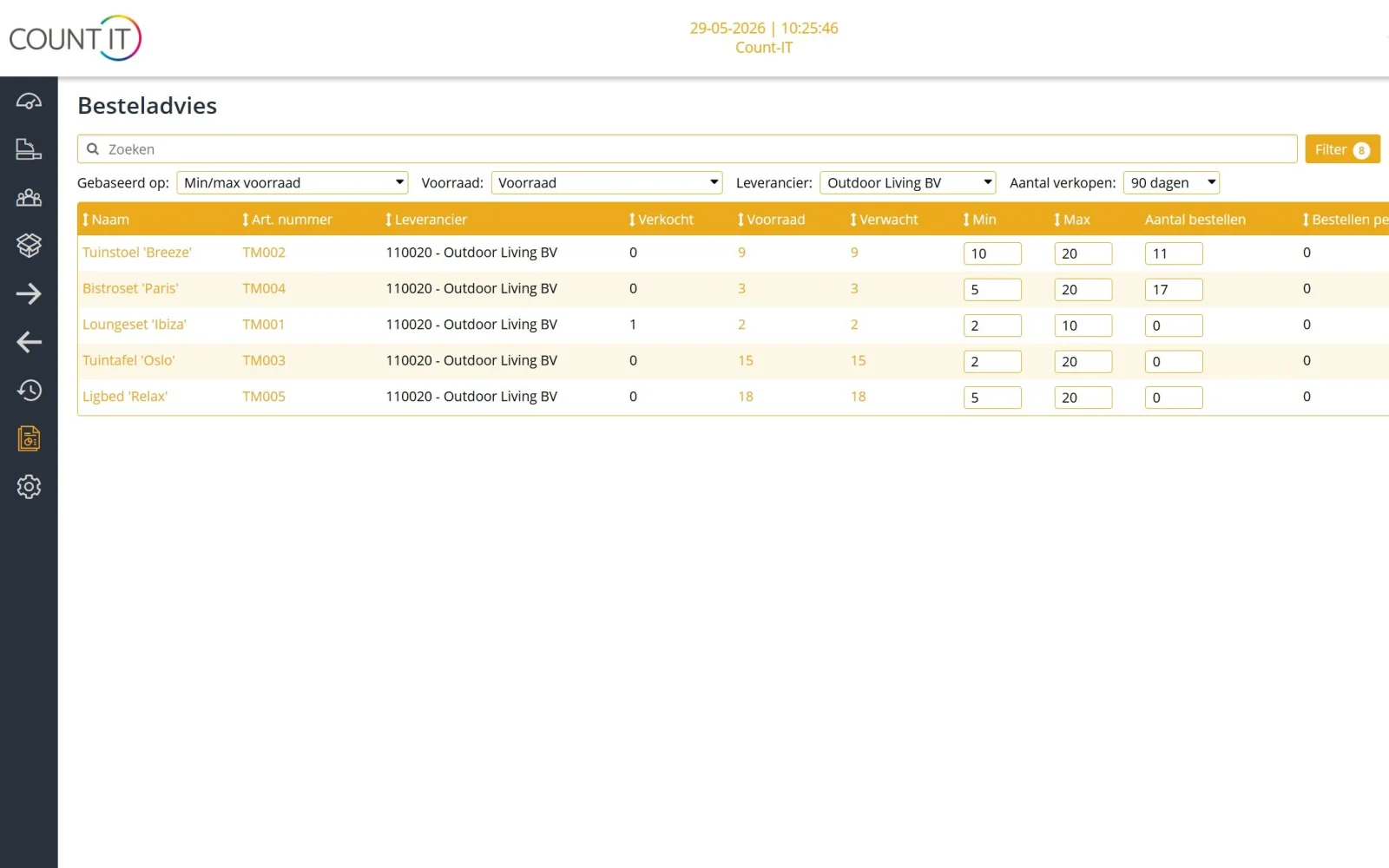
The order advice makes a proposal per supplier based on stock and sales. With a supplier integration you fetch the range and prices and order electronically, provided the supplier supports this with an API, EDI or feed.

How it works

From new collection to sale

  1. Create items

    Create an item per model with variations in size and colour, or import your range via Excel or CSV or through a supplier integration.

  2. Receive and label

    Book in the delivery so the stock per size is correct, and print labels for items without their own barcode.

  3. Sell and exchange

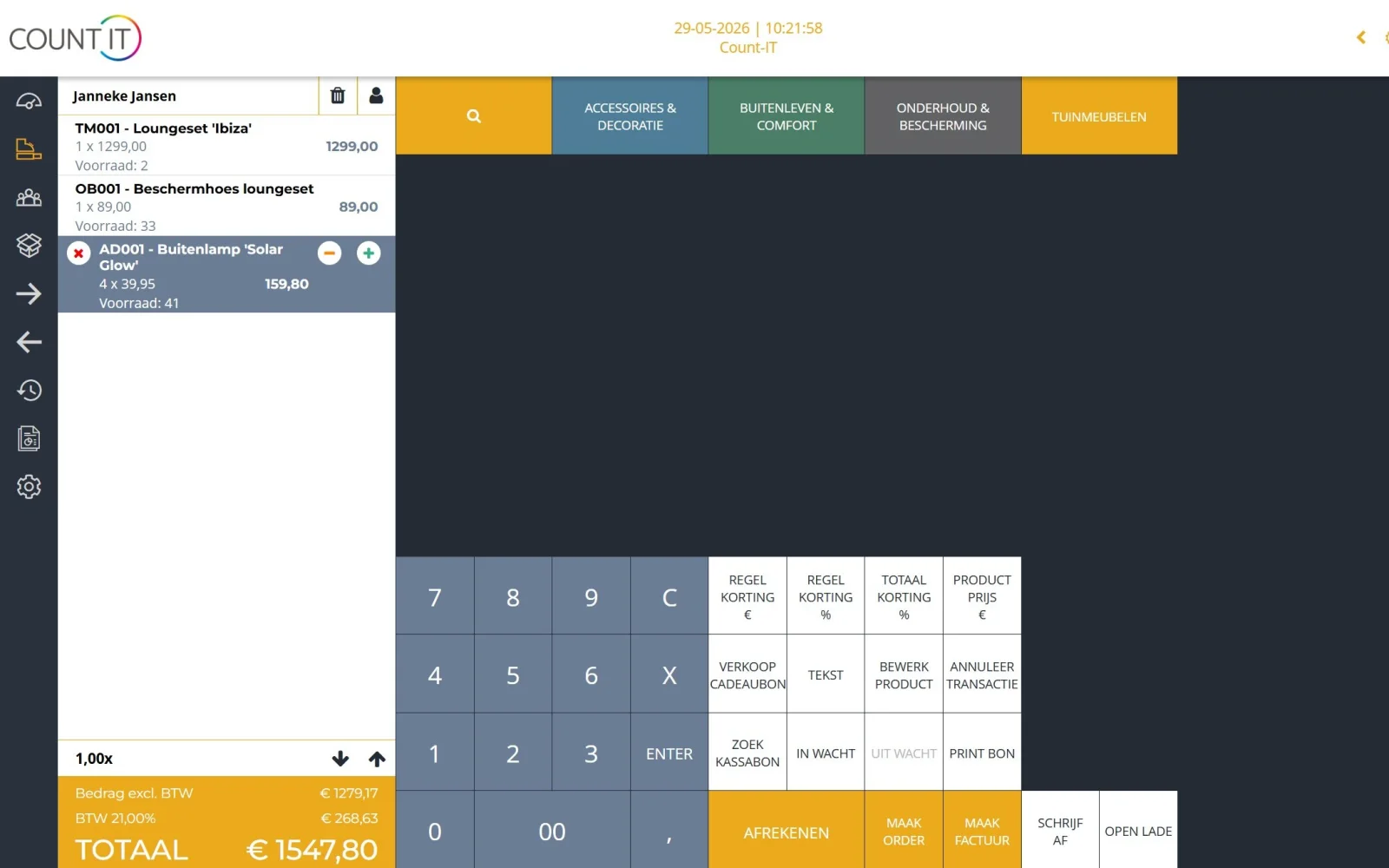
    Scan the variation the customer buys at the point of sale. If a customer wants to exchange, you see straight away whether the other size is still available.

  4. Reorder

    The order advice shows which sizes need reordering. You check the proposal and send the purchase order.

To be fair

What Count-IT does not (yet) do for fashion stores

So you know in advance whether it fits.

  • Count-IT does not order automatically from your supplier: the order advice is a proposal that you approve yourself.
  • Customers do not scan and pay themselves; there is no self-scan or self-service checkout.
  • Inventory management, purchasing and integrations are part of the Full plan, not Light.
Frequently asked questions

Questions about a POS system for clothing and shoes

Does Count-IT work with sizes and colours?

Yes. With the Use variations setting you create one item with variations in size and colour. Each variation has its own barcode and its own stock, so you see per size and per branch what is left. You see all sizes and colours of an item together in a matrix.

Is Count-IT also suitable as a POS system for a shoe shop?

Yes. Shoe sizes and colours work just like clothing sizes: as variations of one item, each with its own barcode and stock. Labels, exchanges, gift cards and loyalty points work the same way.

How do I handle an exchange at the point of sale?

Preferably open the original receipt and return the right line and quantity, or use the product return function. Then scan the item the customer takes instead. If a final invoice already exists, you create a credit note. More in the knowledge base on the point of sale.

Can I move stock between my shops?

Yes. With a transfer you move stock from one warehouse or branch to another. Afterwards the stock per branch is up to date again. Read more in the knowledge base on stock.

Can I print labels with a barcode myself?

Yes. Create a label template with the right size, fields and barcode, choose a label printer, print one test label and then the series. You will find a suitable label printer in our hardware.

Does my stock stay in sync with my web shop?

Yes, with an integration with WooCommerce, Shopify or Magento, among others. With an integration you set which system leads for products, prices and stock, so you do not sell online what has already gone in the shop.

Can I order my collection from suppliers in Count-IT?

Yes. You create a purchase order, optionally from the order advice, and send it by email or through a supplier integration. Count-IT can integrate with virtually any supplier, provided the supplier supports this with an API, EDI or feed.

See Count-IT in your fashion store

In a demo we show how variations, exchanges at the point of sale and your web shop work together, using your collection as an example.