POS system for bike shops

POS system for bike shops, with workshop and stock

Sell bikes, parts and accessories at the POS, take in repairs in the workshop and keep track of stock and purchasing in one system. Count-IT is suitable for bike shops that do servicing and repairs alongside sales.

In short

Count-IT is a POS system for bike shops that brings together the POS, repairs, stock, purchasing and customers. You record a serial number for each bike, for example the frame number, manage sizes and colours as variations and track repairs with a status, deadline and repair label. With a supplier integration you retrieve range and prices, if your supplier supports it.

  • Repairs and work orders with status, parts and a repair label with barcode
  • Serial numbers, sizes and colours, with stock per warehouse and location
  • Repairs, stock management and integrations are part of the Full plan: view the plans

What does a bike shop need from a POS system?

A bike shop is a shop and a workshop at the same time. At the counter you sell a new bike, a tyre or a lock, while bikes are waiting in the workshop for a service or a repair. A POS system for a bike shop therefore has to do more than take payments: it has to keep track of which bike belongs to which customer, which parts go into it and what is in stock.

In Count-IT that is all one system. The POS, the repair module, your product management and your stock management work with the same products, prices and customers. A part you use in a repair comes from the same range as what you sell at the POS, and you turn a repair into an invoice with one click.

Bikes are expensive, recognisable products. That is why you record a serial number for each bike, for example the frame number, so you can later find which bike you sold to whom. Bikes in different frame sizes and colours are managed as variations of one product, each with its own barcode and stock. And because many bike shops work with regular suppliers, a supplier integration lets you retrieve range, prices and supplier stock, if the supplier supports it.
Features

Count-IT in the bike shop

From selling a new bike to fixing a puncture.

Repairs in the workshop

Take in a repair with the customer, a description and the bike. Give the device field the name that suits your workshop, for example bikes. Set a deadline, workstation and technician and follow progress with statuses such as in progress and ready for collection. When the bike is ready, the customer can automatically receive a notification by email or SMS.

Repair label with barcode

Print a repair label with repair number, customer name and barcode and attach it to the bike. When the customer collects the bike, you scan the label at the POS and open the repair straight away.

Serial numbers, sizes and colours

Record a serial number for each bike, for example the frame number, and later find out who you sold it to. Frame sizes and colours are managed as variations of one product, each with its own barcode and stock.

Bikes and parts at the POS

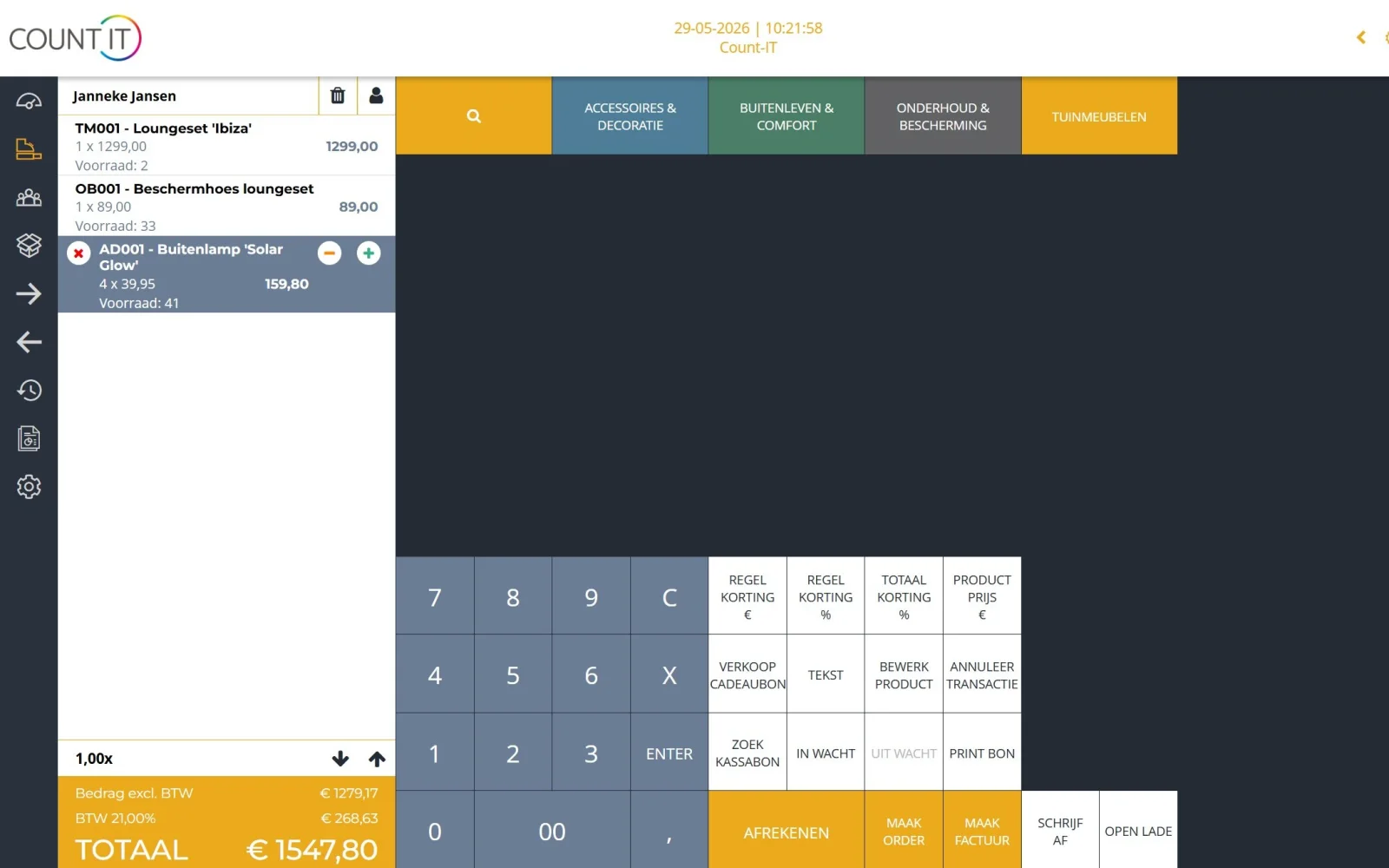
Sell bikes, parts and accessories via buttons, search or the scanner. Give discounts, process a return and take payment by card, cash, gift card or a combination with split payment.

Supplier integrations

Count-IT can connect with virtually any supplier that offers an API, EDI or a feed. Depending on the supplier, you retrieve range, prices and supplier stock and send purchase orders electronically.

Stock and order advice

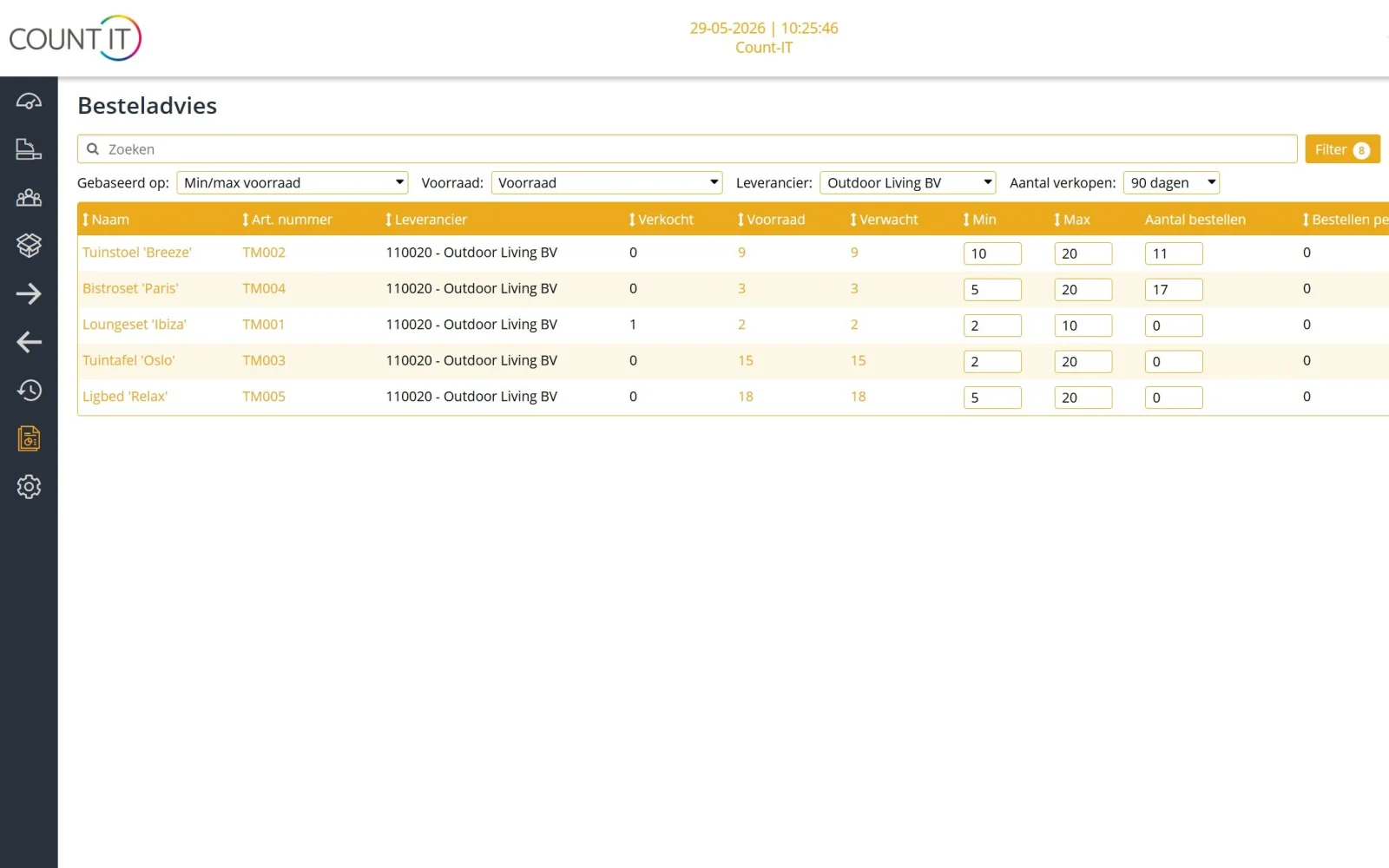
Track stock per warehouse and location, including bikes in the showroom and parts in the workshop. Based on minimum stock and sales, the order advice proposes a purchase order that you check and send.

Webshop and shop from one stock

Do you also sell online? Connect your webshop in WooCommerce, Shopify, Magento or CS-Cart, or use the Count-IT webshop. Shop and webshop then sell from the same stock.

Customers and work orders

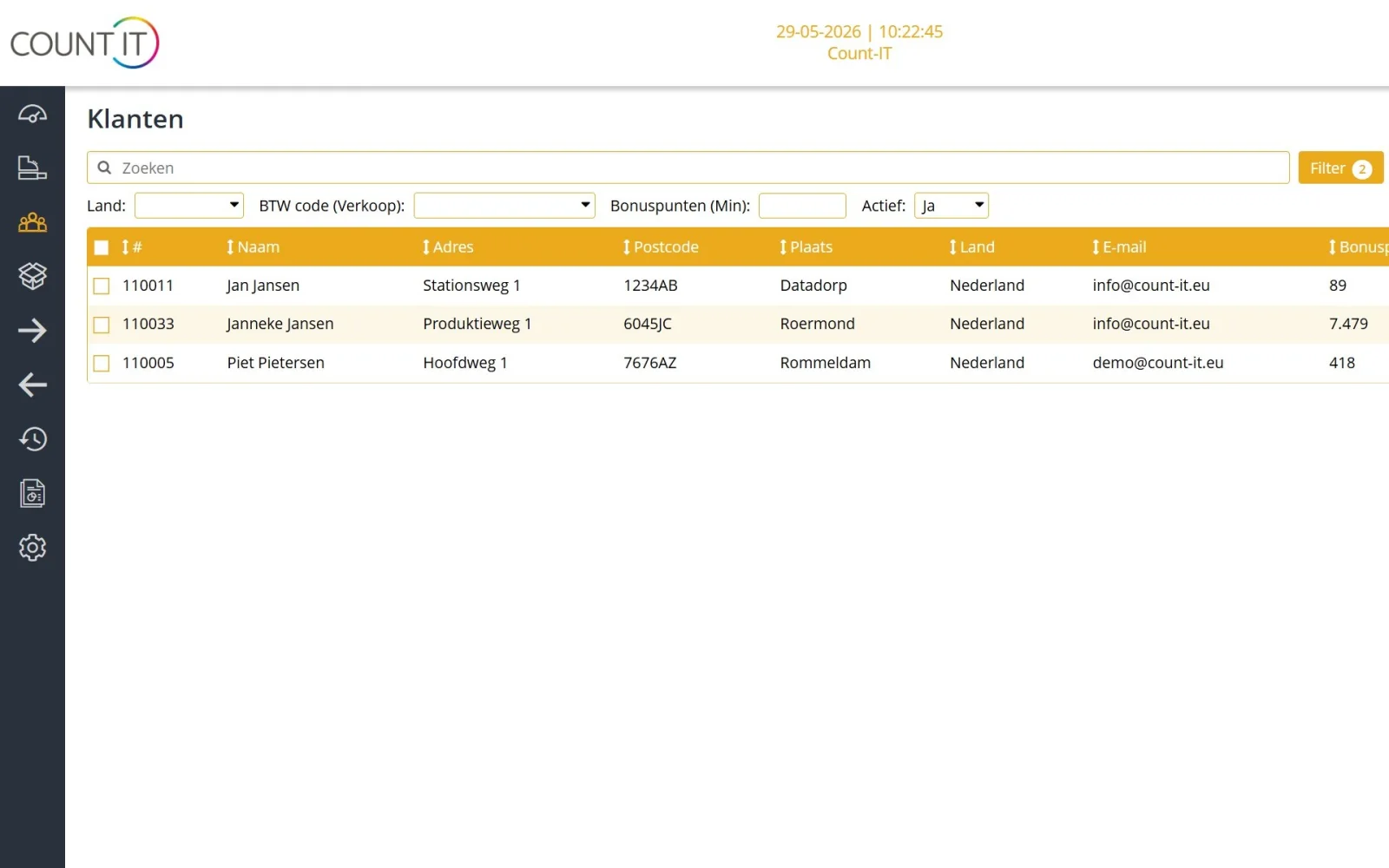
Every sale and repair is linked to the customer in your customer database. For a standard service you create a work order type with your own headings, text fields and checkboxes, with the customer's signature.

How it works

A bike in the workshop

  1. Take in

    At the counter you find or create the customer, record the bike with its serial number and the problem, and let the customer sign on screen for approval.

  2. Label and plan

    You print a repair label with barcode, choose the technician and workstation and give the repair a deadline.

  3. Repair

    The mechanic adds the parts and labour used as product lines, updates the status and sets the repair to ready for collection.

  4. Check out

    On collection you scan the label at the POS, turn the repair into an invoice and the customer pays.

To be fair

What Count-IT does not do (yet)

So you know in advance whether it fits.

  • A supplier integration can only do what the supplier offers. If your supplier has no API, EDI or feed, you order by email.
  • Count-IT does not order automatically: the order advice is a proposal, and nothing goes to the supplier until you send the purchase order.
  • Fields on a work order are headings, text fields or checkboxes; there are no drop-down lists or date fields per work order type.
  • Repairs, stock management and integrations are part of the Full plan, not Light.
  • You cannot record a down payment or deposit on a repair.
Frequently asked questions

Questions about a POS system for bike shops

Is Count-IT suitable as a POS system for a bike shop?

Yes. You sell bikes, parts and accessories at the POS and manage repairs, stock, purchasing and customers in the same system. You turn a repair into an invoice with one click, including the parts and labour used.

Can I record a bike's frame number?

Yes. Count-IT records individual serial numbers, for example the frame number. On a repair you record the serial number of the bike, so you can later find which bike it was. With the FIFO warning Count-IT points out when an older serial number should be sold first, and with Block new serial number on sale you only sell serial numbers already known in your stock.

Can I manage bikes in different frame sizes and colours?

Yes. With variations you create one product with variants per size and colour, each with its own barcode and stock. That way you see straight away which size is still in stock.

Can I order from my bike supplier from within Count-IT?

That depends on your supplier. Count-IT can connect with virtually any supplier that offers an API, EDI or a feed; depending on the supplier this covers range, prices, supplier stock and electronic ordering. Without an integration you send the purchase order by email. Get in touch to discuss your supplier.

How do I find a bike in the workshop?

You attach a repair label with repair number, customer name and barcode to every bike. Scan the barcode at the POS and Count-IT shows the repair with customer and amount, and you open it with one tap. How to set up labels is explained in the knowledge base on the POS.

Can I invoice the parts used in a repair straight away?

Yes. You add parts and labour to the repair as product lines, with price, discount and VAT. With Create invoice you transfer those lines to an invoice, and Count-IT shows whether the repair has not been, partly or fully invoiced.

Can my bike shop and webshop work from one stock?

Yes. With a webshop integration with WooCommerce, Shopify, Magento or CS-Cart, or with the Count-IT webshop, shop and webshop sell from the same stock.

What does Count-IT cost for a bike shop?

Light costs €35 and Full €69 per POS per month, excluding VAT. Repairs, stock management, purchasing and integrations are part of Full. You can try Count-IT free for 30 days.

See Count-IT in a bike shop

In a demo we show how you sell a bike, take in a repair and keep track of your stock, using your range as an example.