POS system for bookshops

POS system for bookshops, integrated with Centraal Boekhuis

Scan a book at the point of sale, order a title for a customer and send your purchase order electronically to Centraal Boekhuis. Count-IT keeps the point of sale, stock, customer orders and purchasing in one system.

In short

Count-IT is a POS system for bookshops with an integration with Centraal Boekhuis (CB), the Dutch book distributor. You fetch the CB range, send purchase orders electronically and process order confirmations in Count-IT. At the point of sale you scan the barcode of a book, record a customer order and sell gift cards.

  • Integration with Centraal Boekhuis for the range and electronic ordering
  • Customer orders from the point of sale, passed on to a purchase order
  • Stock, order advice, gift cards (including the Dutch National Book Token) and loyalty points in the same system

What should a POS system for a bookshop be able to do?

A bookshop has a broad range with many titles, of which only a few are in stock. A large part of your purchasing goes through Centraal Boekhuis, and customers regularly ask for a book you do not have in the shop. Then you want to record the order quickly, order the title and let the customer know when the book has arrived.

Count-IT connects those steps. With the Centraal Boekhuis integration you fetch titles and product data, including weight and dimensions if CB supplies them. You send a purchase order electronically to CB, and response messages such as order confirmations are processed in Count-IT. It is a standard supplier integration: once activated, the Supplier data section appears for CB.

At the point of sale you scan books by their barcode. On books this is usually an EAN-13 barcode, and Count-IT has settings for the EAN-13 check digit, so the point of sale and your supplier data use the same number. If you also sell stationery, gifts or toys, you manage those in the same system, with your own suppliers.
Features

How Count-IT helps your bookshop

From the CB range to the receipt, with one stock.

Integration with Centraal Boekhuis

Fetch the CB range and product data and link CB titles to your own products. Missing values do not erase your existing data, and you choose which fields are taken over.

Scanning at the point of sale

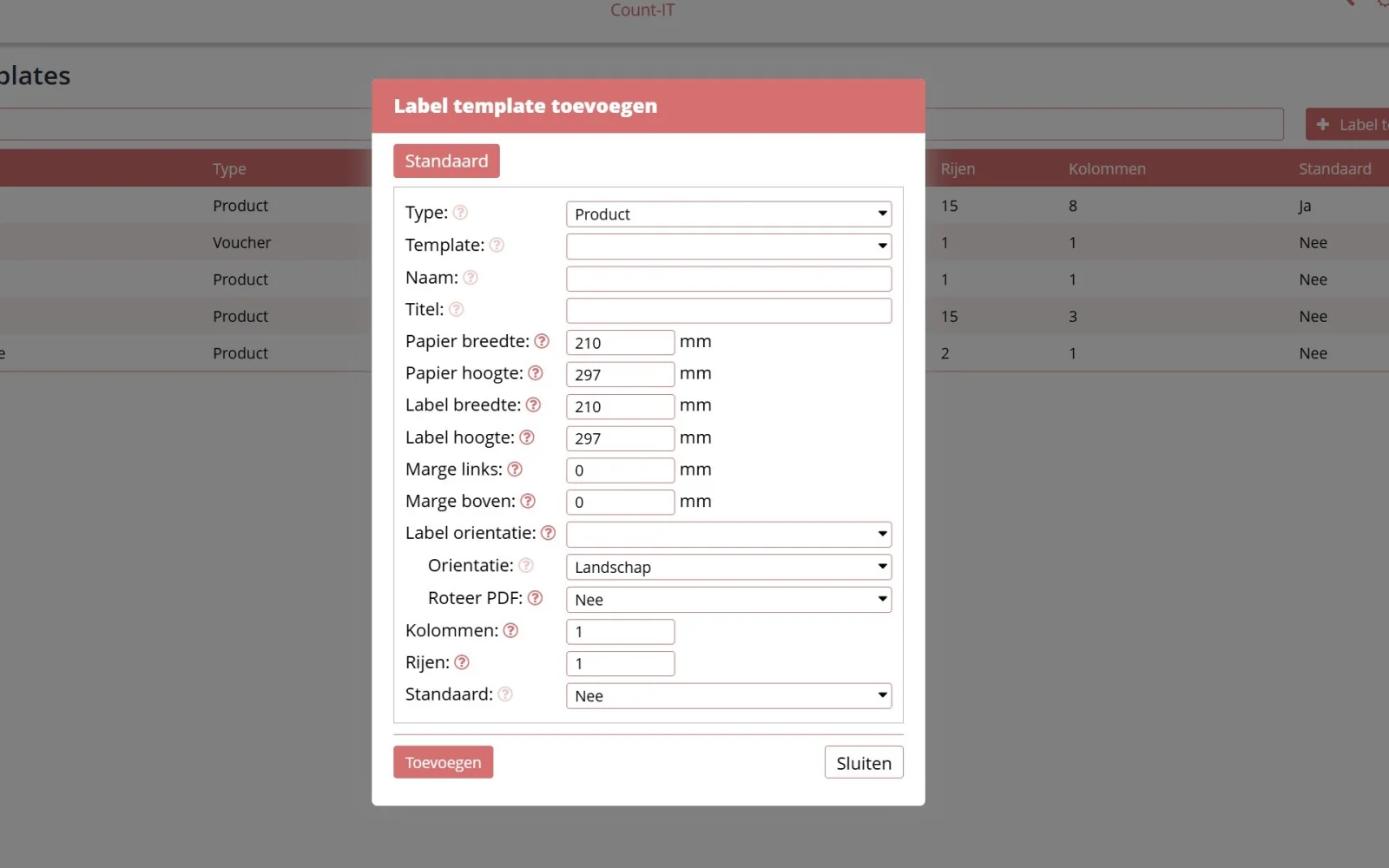
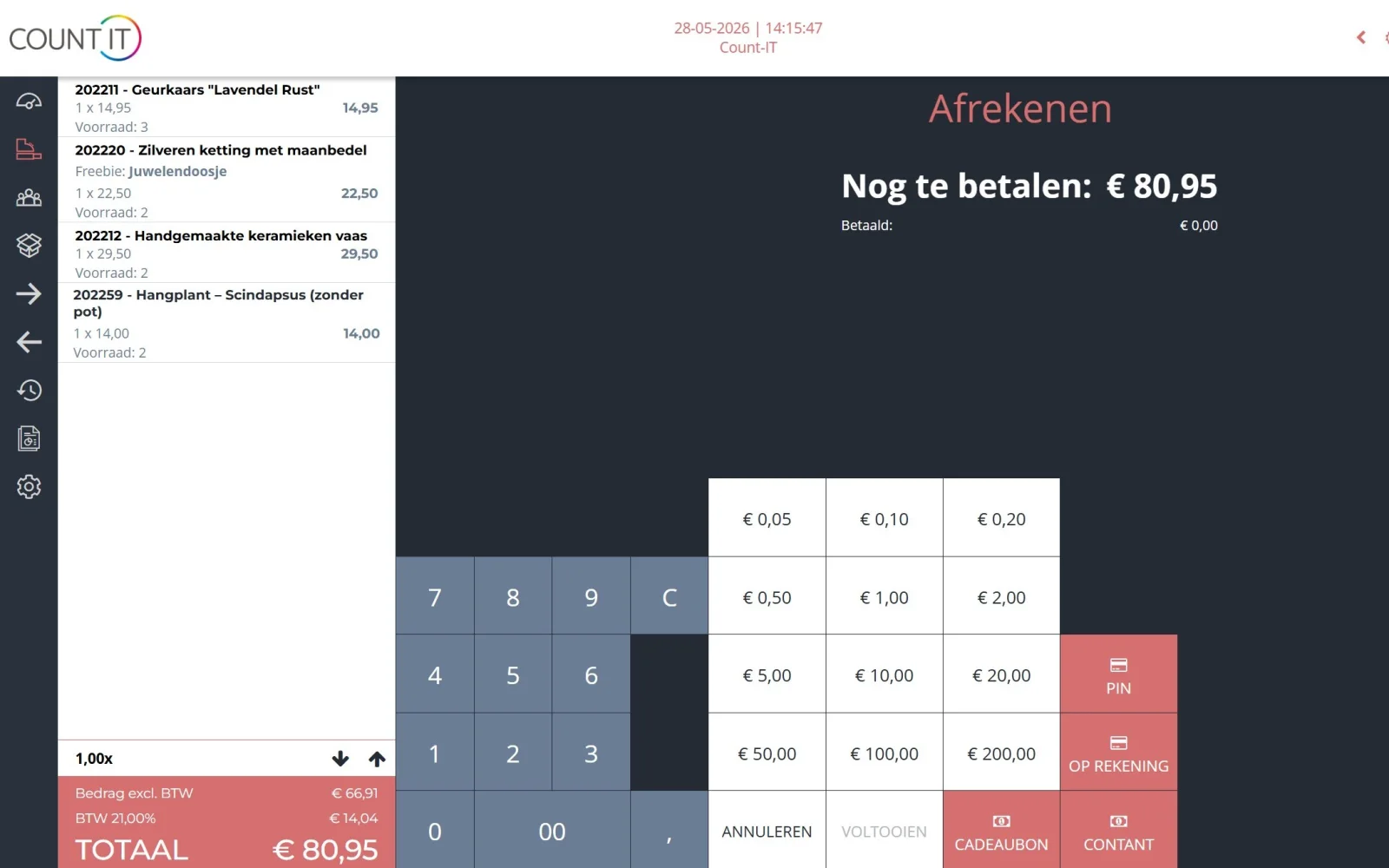
Scan the barcode of a book and take payment by card, cash, gift card or on account. With Enforce unique barcode you prevent the same barcode being linked to two products.

Customer orders from the point of sale

If a title is not in stock, create an order for the customer at the point of sale, optionally with a deposit. From the sales order you create a purchase order straight away with Copy to purchase order.

Ordering electronically from CB

Send purchase orders electronically to CB. The line note is sent as a line reference, for example the customer's name; CB Online shows its first 10 characters. Once sent, an order cannot accidentally be offered again.

Gift cards, book tokens and labels

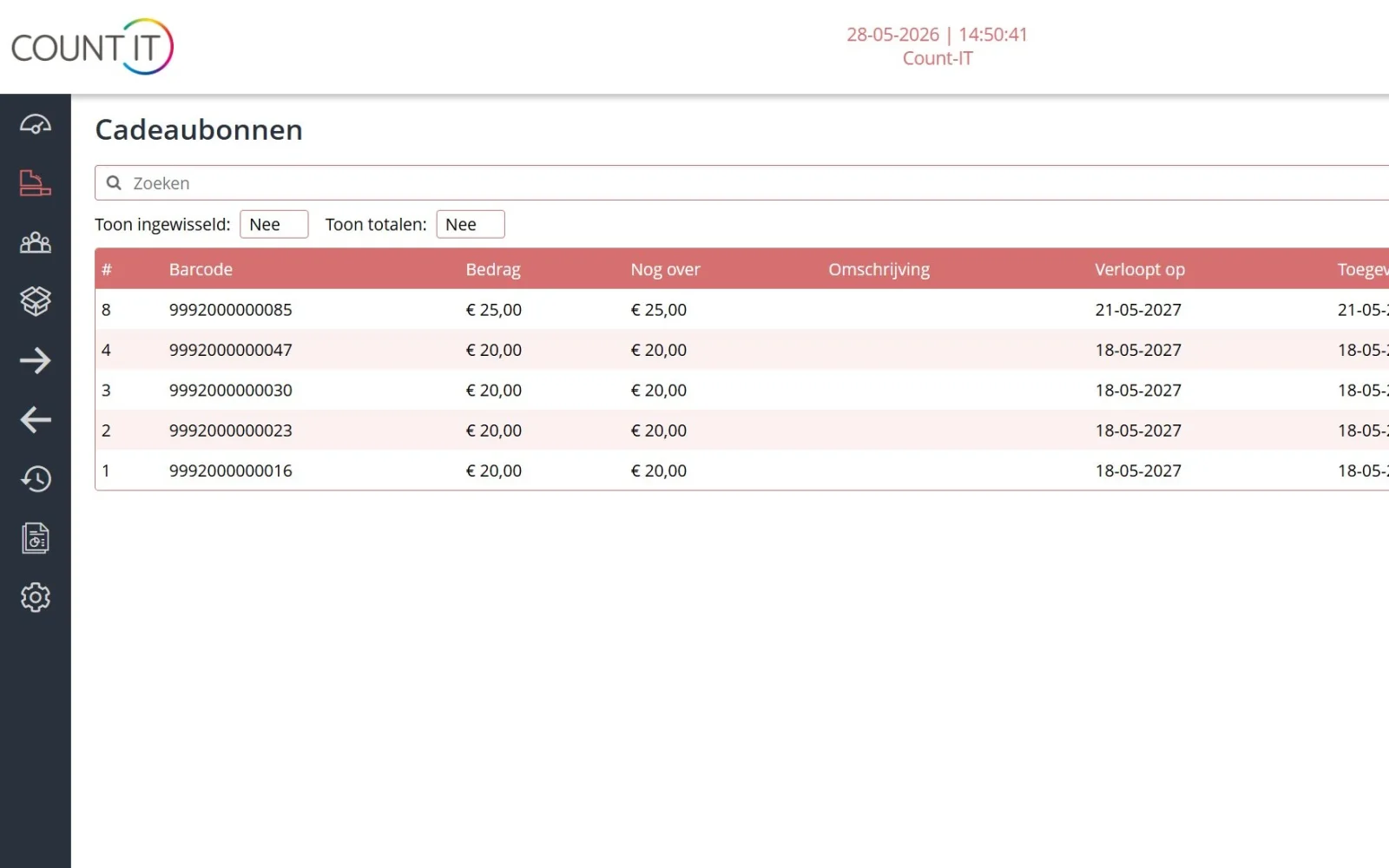
Sell and redeem your own gift cards, with or without a barcode and optionally with an expiry date. External gift cards, such as the Dutch National Book Token (Nationale Boekenbon), can also be processed at the point of sale. Print product labels for items without a barcode with your own label templates.

Web shop with the same stock

If you also sell online, connect your web shop, such as WooCommerce or Shopify, or use the Count-IT web shop. Shop and web shop use the same stock. Read more about connecting your POS and web shop.

Reward regular readers

Let customers collect loyalty points and redeem them later as a discount. In the CRM you see per customer what they bought and ordered before.

Stock and order advice

See per title what is in stock and what is on its way. The order advice makes a proposal per supplier that you check yourself before ordering. More about inventory management.

How it works

From customer request to collected book

  1. Record the order

    The customer asks for a title you do not have. You look up the book, create an order in the customer's name at the point of sale and record a deposit if needed.

  2. Order from CB

    You copy the order to a purchase order and send it electronically to Centraal Boekhuis, with a reference on the line.

  3. Receive

    The order confirmation arrives in Count-IT. On delivery you book the receipt and your stock is up to date again.

  4. Check out

    The customer collects the book and you invoice the order. An earlier deposit on the order is linked to the invoice.

To be fair

What Count-IT does not (yet) do for bookshops

So you know in advance whether it fits.

  • Count-IT does not order automatically: the order advice is a proposal, and nothing goes to CB until you send the purchase order.
  • What a supplier integration can do depends on the supplier. For suppliers without an integration you send the purchase order by email.
  • Inventory management, purchasing and integrations are part of the Full plan, not Light.
  • Returns and remissions to Centraal Boekhuis cannot be sent electronically from Count-IT.
Frequently asked questions

Questions about a POS system for bookshops

Does Count-IT have an integration with Centraal Boekhuis?

Yes. With the Centraal Boekhuis integration you fetch the CB range and product data, send purchase orders electronically to CB, and Count-IT processes the response messages, such as order confirmations. Read more on the page about the Centraal Boekhuis integration.

Can I scan books by their barcode?

Yes. Books usually carry an EAN-13 barcode, which you scan at the point of sale like any other barcode. With the settings for the EAN-13 check digit you make sure the point of sale and your supplier data use the same number.

How do I handle a customer order for a book I do not have?

Create an order in the customer's name at the point of sale, optionally with a deposit. Copy the sales order to a purchase order and send it to the supplier. With CB the line note is sent as a reference, so on arrival you know who the book is for.

Is my order to CB sent automatically?

No. You create the purchase order yourself, or let the order advice make a proposal, and only send it after checking. A purchase order that has been sent electronically cannot be offered again through the integration.

Can I process gift cards and the National Book Token?

Yes. Count-IT has its own gift cards, with or without a barcode and optionally with an expiry date. External gift cards, such as the Dutch National Book Token (Nationale Boekenbon), can also be processed at the point of sale. More in the knowledge base on the point of sale.

Can I sell other items besides books?

Yes. Stationery, gifts or toys are managed in the same system, with their own suppliers, prices and stock. For suppliers with an API, EDI or feed an integration is possible, provided the supplier supports it.

Can my bookshop also sell online?

Yes. Connect your existing web shop, such as WooCommerce, Shopify or Magento, or use the Count-IT web shop. Shop and web shop then work with the same products and stock.

See Count-IT in your bookshop

In a demo we show how the point of sale, customer orders and the Centraal Boekhuis integration work together.