POS system for events

POS system for events, trade fairs and festivals

Sell admission tickets at the POS, scan them at the entrance and take payment at the bar and in the catering with the same system. Count-IT is suitable for event venues, exhibition and trade fair centres, festivals and attractions that want to combine tickets and hospitality.

In short

Count-IT combines ticket sales and a hospitality POS in one system for event venues, exhibition centres and festivals. You sell ticket types at the POS, scan them at the entrance with a phone, tablet or scanner, and settle food and drink with tickets sent to kitchen and bar printers. With departments you keep revenue, printers and cash counts separate per location or area.

  • Sell tickets at the POS and scan them at the entrance, with a warning on double use
  • Hospitality POS on fixed POS terminals, tablets and phones, with kitchen and bar printers
  • Ticket sales per event, revenue and cash counts per department

What does an event need from a POS system?

At an event, trade fair or festival, lots of visitors arrive in a short time. At the entrance you need to check tickets quickly, and inside you want to sell drinks, food and sometimes merchandise at several points at once. With a separate ticketing system and a separate hospitality POS, you have two systems, two end-of-day closings and figures you have to combine yourself.

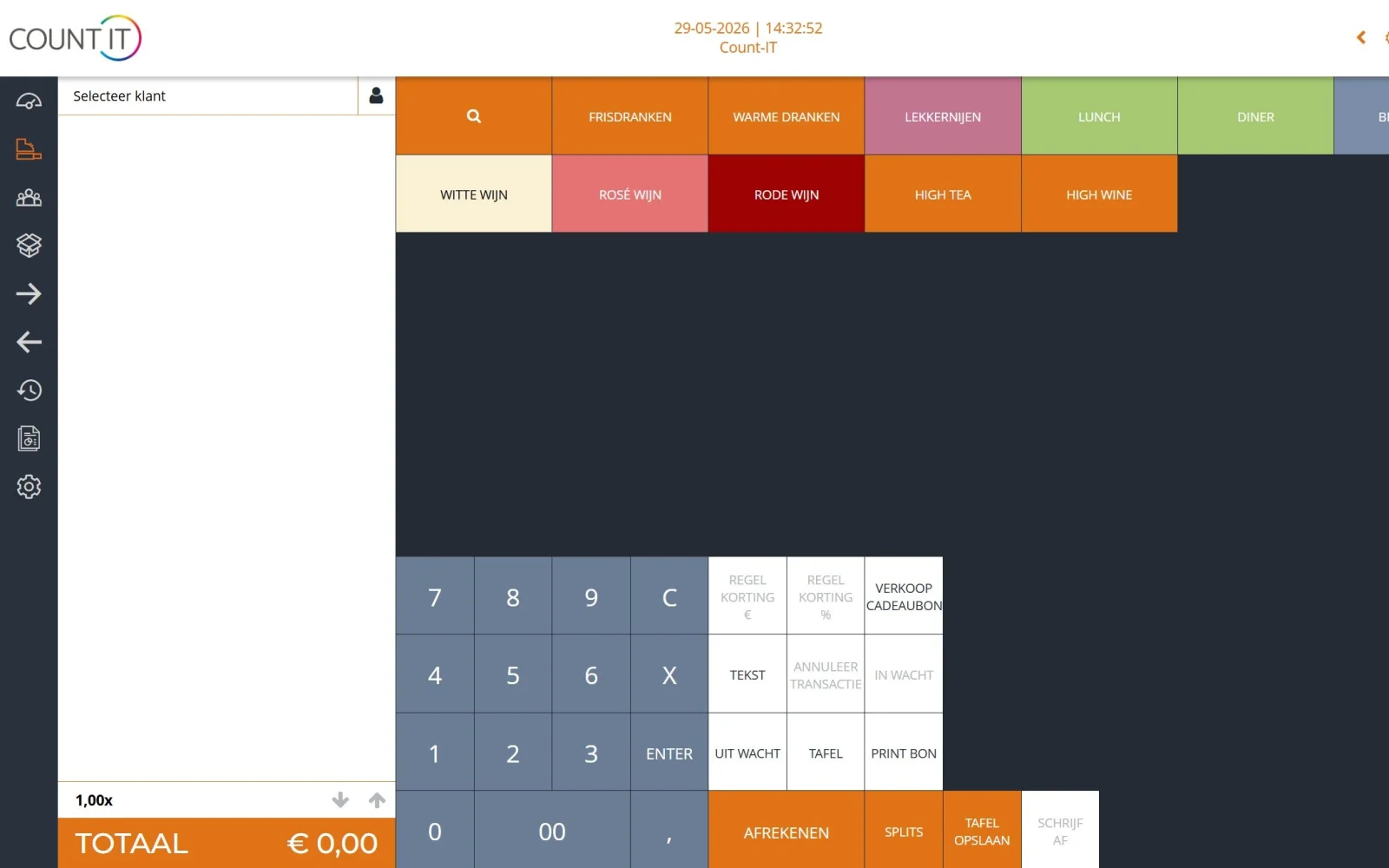
In Count-IT, ticket sales and ticket scanning and the hospitality POS are in the same system. You create an event with ticket types, such as a day pass or a child ticket, and during the sales period they appear as buttons on the POS. At the entrance you open the scan screen for each event. At the bar and in the catering your staff take payment on a fixed POS, a tablet or a phone, and orders go to the right kitchen or bar printer.

If you have several halls, bars or a catering point, you use departments to separate revenue, users, printers and cash counts per area. That way the reports show what each bar or location has sold, and every point of sale closes the day with its own cash count, while products and prices stay centrally managed.
Features

Admission and hospitality in one POS system

From the POS at the entrance to the bar in the hall.

Events and ticket types

Create several ticket types per event, each with its own price, time slot, sales period, scan period and number of available tickets. Leave the number at 0 for unlimited. When a ticket type is sold out, the POS blocks further sales.

Scanning at the entrance

Open the scan screen on a phone, tablet or PC and scan with the camera or a barcode scanner. A ticket that has already been scanned, returned or belongs to another event is refused, showing the time and staff member of the first scan. Optionally, scanning also works during an internet outage, if this has been set up in advance.

Tickets and drinks on one receipt

You settle an admission ticket and a drink in one go. Tickets are printed on the receipt printer or as a label with a QR code.

Hospitality POS for bars and catering

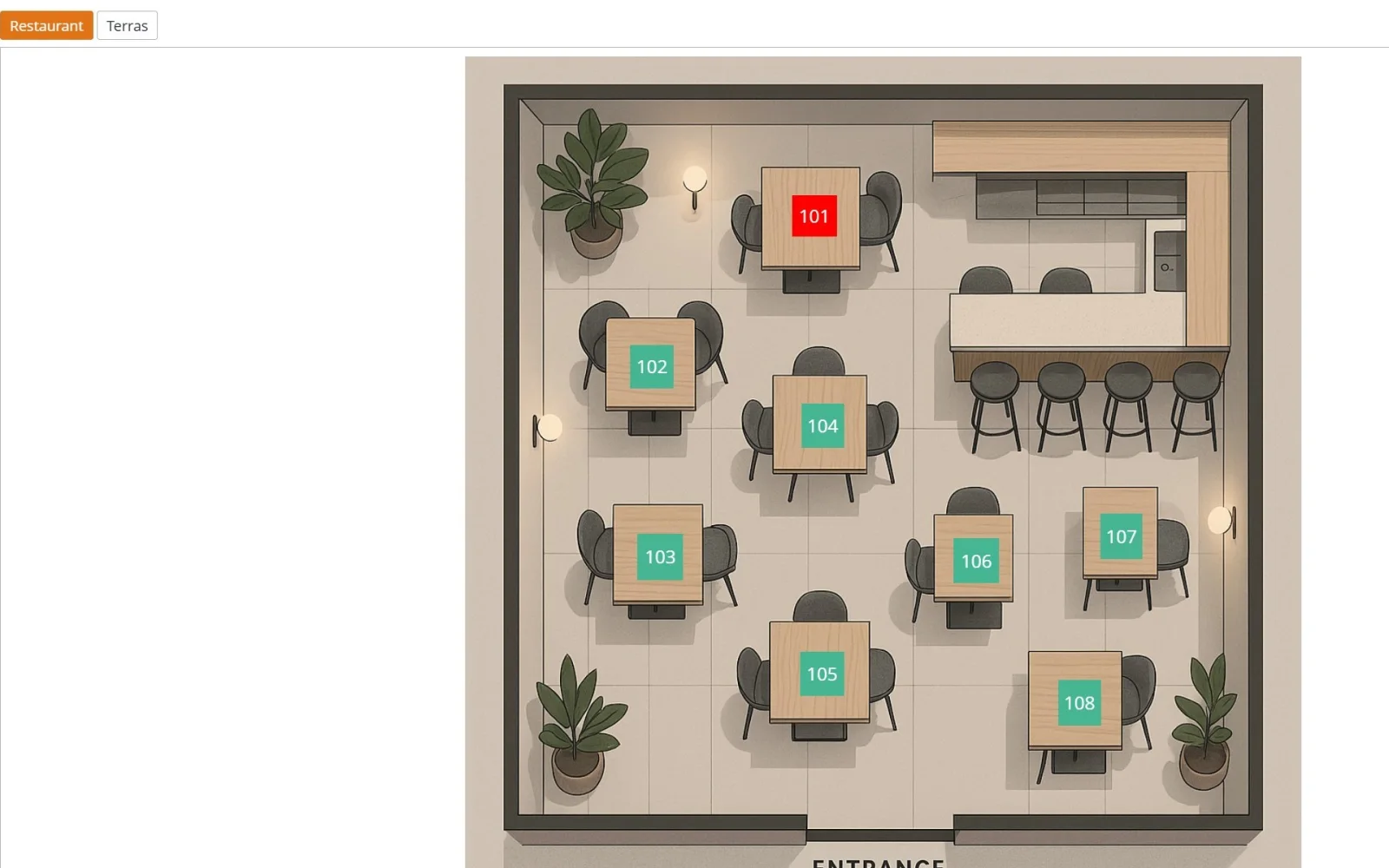
Work with or without tables: take payment straight away at the bar or ring up orders on a table or floor plan. Product options, menus and bundles are all included.

Kitchen and bar printers

Choose the printer per product or product group, so dishes go on the kitchen ticket and drinks on the bar ticket.

Multiple POS terminals and devices

Use as many points of sale as you need: fixed POS terminals, tablets and phones with the same products and prices. With layouts you set the buttons per location or per device.

Departments and locations

Separate revenue, users, printers and cash counts per hall, bar or location with departments. Staff switch with their own POS code.

Reports per event

See per event how many tickets have been sold and scanned. View revenue per product, product group, department and payment method, and export to PDF or Excel.

How it works

An event with Count-IT

  1. Set up

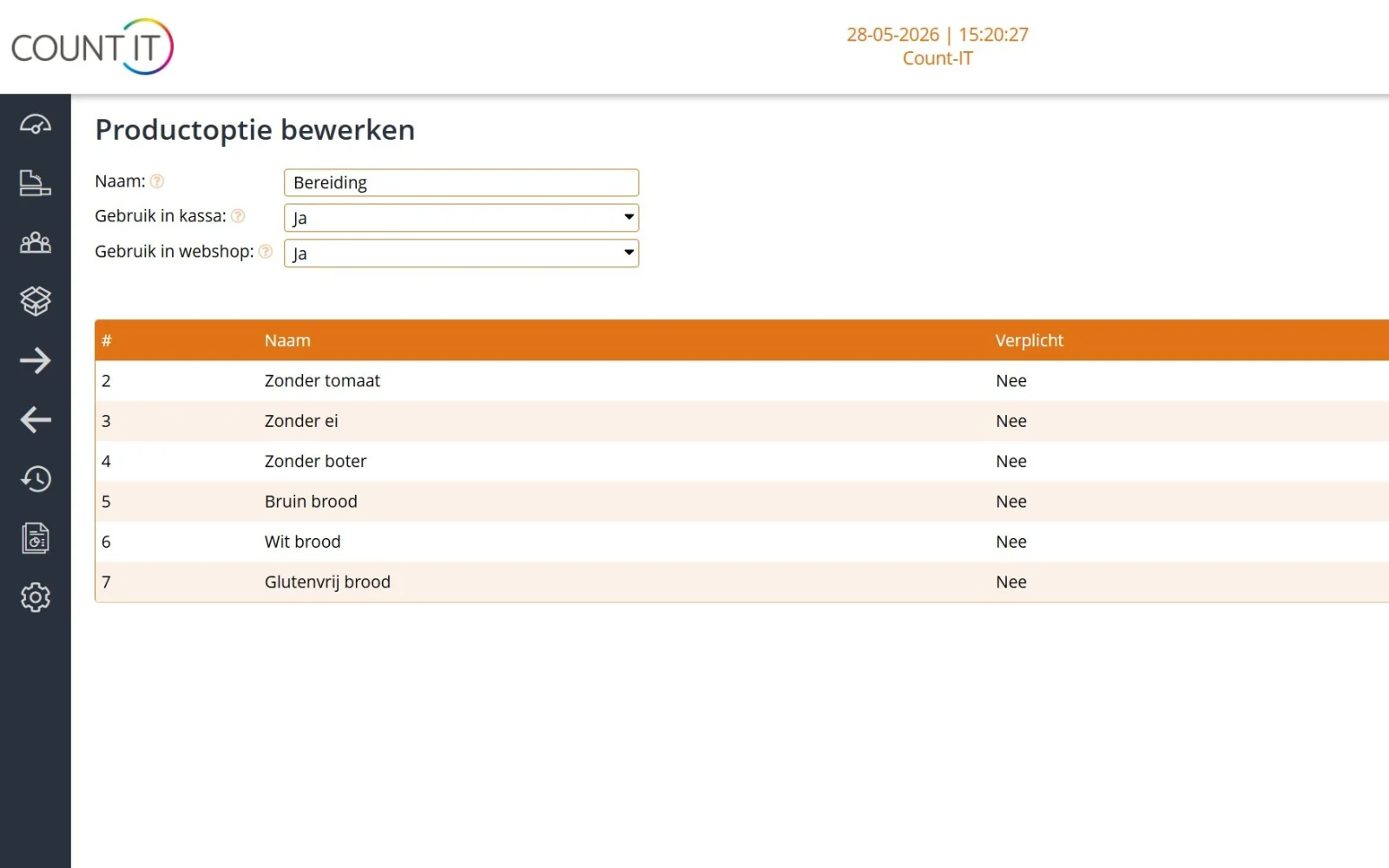
    You create the event with ticket types, prepare your menu and prices and choose the kitchen or bar printer per product group.

  2. Admission

    You sell tickets at the POS; at the entrance a staff member scans them with a phone or scanner.

  3. Hospitality

    At the bars and in the catering your staff take payment on fixed POS terminals, tablets or phones, and tickets go to kitchen and bar.

  4. Close

    Every point of sale closes with a cash count, and the reports show ticket sales per event and revenue per department.

To be fair

What Count-IT does not do (yet)

So you know in advance whether it fits.

  • You sell tickets at the POS. There is no online ticket shop where visitors buy tickets themselves.
  • There are no numbered seats or seating plan for seat reservations.
  • Guests do not order themselves via a QR code, and there is no kitchen display: orders go to kitchen and bar printers.
  • You cannot put a receipt with tickets on hold; settle tickets straight away.
  • The ticket module is a separate add-on that you take in addition to your plan; it is not included in Light or Full as standard.
Frequently asked questions

Questions about a POS system for events

Can I handle tickets and hospitality with one system at my event?

Yes. Tickets and food and drink go through the same POS, the same receipt and the same end-of-day closing. At the entrance you scan the tickets, and at the bars and in the catering you use the hospitality POS with kitchen and bar printers.

Is Count-IT suitable for an exhibition centre?

Yes, for admission and hospitality. You sell tickets at the POS and scan them at the entrance, and your restaurant, bars and catering take payment in the same system. With departments you keep revenue and cash counts separate per hall or point of sale.

Can visitors buy tickets online?

No. You sell tickets at the POS. An online ticket shop where visitors buy tickets themselves is not part of Count-IT.

How do I scan tickets at the entrance?

Open the event's scan screen on a phone, tablet or PC and scan with the camera, a barcode scanner or both. Count-IT shows immediately whether the ticket is valid and refuses a second scan of the same ticket.

Can I run several bars and points of sale at the same time?

Yes. Every point of sale can be a fixed POS, tablet or phone, with the same products and prices. With departments you separate revenue, printers and cash counts per bar or location, and with layouts you set which buttons appear on each device.

Do I need tables for the catering at my event?

No. Tables are optional: at a bar or point of sale you take payment straight away. If you have a restaurant with table service, you use tables and floor plans. How to set that up is explained in the knowledge base on hospitality.

What happens if the internet drops out at my venue?

Count-IT is an online system. During an internet outage you can do basic checkout on the POS, and the receipts are synchronised as soon as the connection is back. Not all features are available then, so make sure your venue has a reliable internet connection. Scanning tickets at the entrance can optionally also work during an internet outage, if this has been set up in advance.

What hardware do I need?

A POS terminal, tablet or phone per point of sale, receipt printers for kitchen and bar, a label printer for tickets if you like, a scanner or phone for the entrance and a connected card terminal. See the options under hardware.

See Count-IT at your event

In a demo we show how you sell and scan tickets and how your bars and catering take payment in the same system.