POS system for phone repair

POS system for phone and computer repair shops

Take in repairs at the counter, follow every device until it is ready for collection and sell cases, chargers and screen protectors at the same POS in the meantime. Count-IT is suitable for phone, tablet and computer repairers who want shop and workshop in one system.

In short

Count-IT is a POS system for phone and computer repair shops that brings together repairs, the POS, products and customers. For each repair you record the customer, the device with its serial number (for example the IMEI number), a deadline and the status, and the customer signs on screen for approval. A repair label with barcode makes the device easy to find, and you turn the repair into an invoice with one click.

  • Repairs with status, deadline, workstation and technician
  • Repair label with barcode, scanning at the POS and invoicing straight away
  • Repairs are part of the Full plan: view the plans

Why a POS system with a repair module?

In a phone repair shop two flows run side by side. Customers bring in a device with a cracked screen or a weak battery, while other customers buy a case or a charger. With a separate POS and a separate repair program, or a notebook next to the POS, you retype customer details and parts, and a device or a promise to a customer is soon lost from view.

In Count-IT the POS and the repair module work with the same customers, products and prices. A repair is linked to the customer in your customer database, the parts come from your product management and on collection you scan the repair label at the POS. That way you know for every device who it belongs to, what needs doing, who is working on it and when it has to be ready.

The repair module is not just for phones. You name the device field yourself, such as devices or laptops, so that it fits what you repair: smartphones, tablets, laptops or desktops. For each repair you record one or more devices, each with a serial number, for example the IMEI number of a phone.
Features

From counter to workbench

Everything to take in, carry out and settle a repair.

Taking in a repair

Record the customer, a description of the problem and the device, with several devices per repair if needed. Keep photos of the damage and notes, such as a phone call with the customer, with the repair itself.

Device and serial number

Record the serial number of each device, for example the IMEI number. That way you can later find which device it was, even if the same customer has several devices.

Status and deadline

Work with statuses such as new, in progress, on hold, ready for collection and finished, or create your own. Give every repair a deadline, a technician and a workstation. When the repair is ready, the customer can automatically receive a notification by email or SMS.

Repair label with barcode

Print a repair label with repair number, customer name and barcode and stick it on the device or its box. In the workshop every device is then instantly recognisable.

Signature for approval

The customer signs on screen for approval. You download the repair receipt as a PDF, with signature, or email it to the customer with your own email template.

Parts and invoice

Add screens, batteries and other parts and the labour as product lines, with price, discount and VAT. With one click you turn them into an invoice, and Count-IT shows whether the repair has already been invoiced.

Scanning at the POS

Scan the barcode on the repair label at the POS and Count-IT shows the repair with customer and amount, and you open it straight away. The Action after scanning setting determines what happens.

Selling accessories

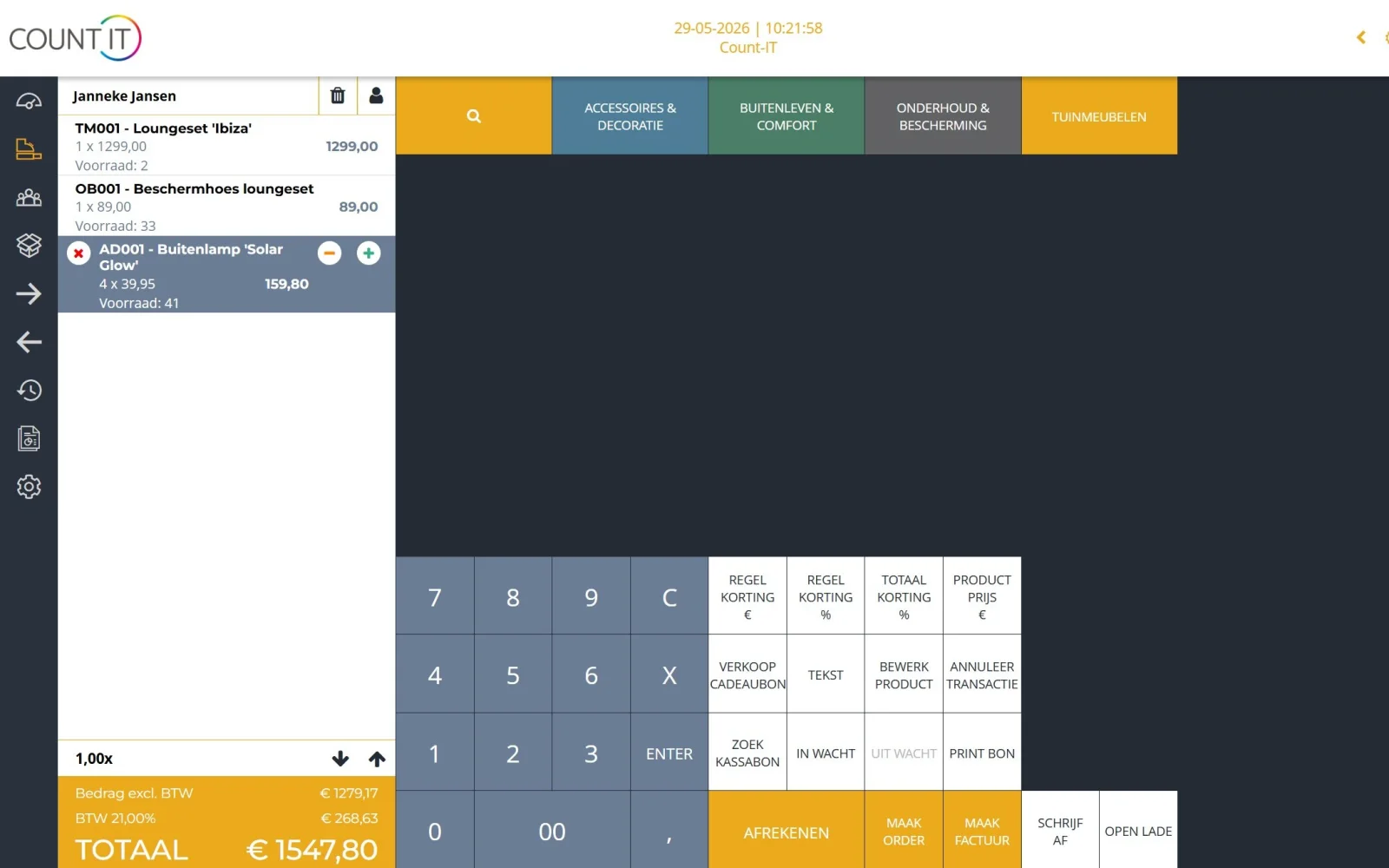
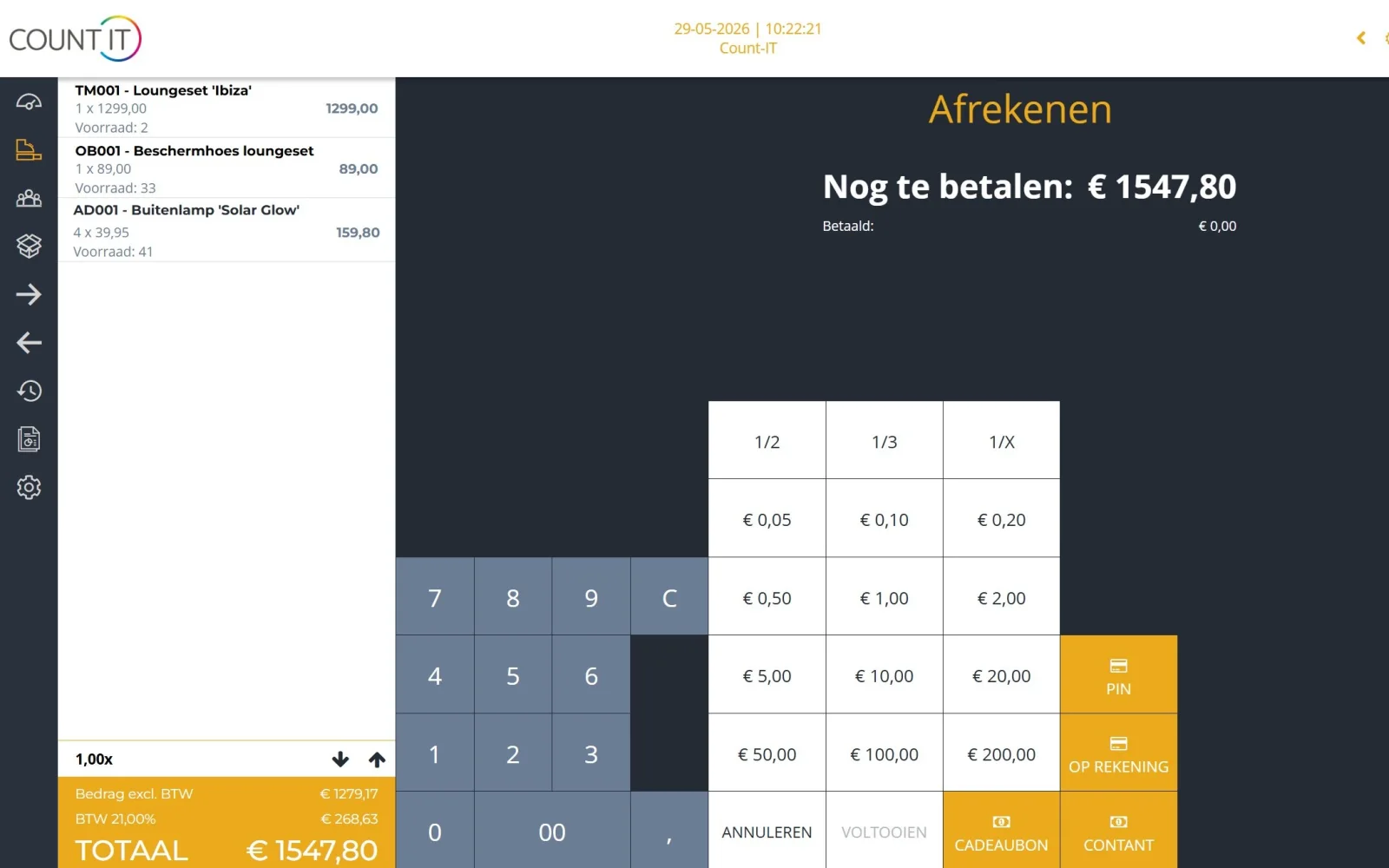
Sell cases, chargers, cables and screen protectors via buttons, search or the scanner. Take payment by card via a connected card terminal, in cash or a combination with split payment.

How it works

A repair in four steps

  1. Take in

    You find or create the customer, record the device, serial number and problem, and let the customer sign for approval.

  2. Label

    You print a repair label with barcode and stick it on the device, so it is always recognisable in the workshop.

  3. Repair

    The technician updates the status, adds the parts used and sets the repair to ready for collection.

  4. Collect and pay

    On collection you scan the label at the POS, turn the repair into an invoice and the customer pays, together with a new case if they like.

To be fair

What Count-IT does not do (yet)

So you know in advance whether it fits.

  • Count-IT is not a parts portal: you order parts from your own supplier, by email or via a supplier integration if your supplier supports it.
  • Fields on a work order are headings, text fields or checkboxes; there are no drop-down lists or date fields per work order type.
  • Repairs are part of the Full plan, not Light.
  • You cannot record a down payment or deposit on a repair.
Frequently asked questions

Questions about a POS system for repair shops

Is Count-IT suitable for a phone repair shop?

Yes. You manage repairs and sell accessories in the same system. A repair is linked to the customer, gets a status, deadline, workstation and technician, and you turn it into an invoice with one click. With the barcode on the repair label you find the repair again, at the POS too.

Can I record a phone's IMEI number?

Yes. On a repair you record a serial number for each device, for example the IMEI number. When you sell devices, you can also register individual serial numbers.

Can the customer sign to approve the repair?

Yes. The customer signs on screen. The signature appears on the repair receipt, which you download as a PDF or email to the customer with your own email template.

Does Count-IT also work for laptop and computer repair?

Yes. With the Custom name for devices setting you give the device field the name that suits your work. For each repair you record one or more devices, such as a laptop and its charger.

How do I see which repairs are ready for collection?

The repair overview has a tab per status, so you see all repairs with the status ready for collection together. You can rename the default statuses and add your own, each linked to a type such as new, in progress, on hold or finished. When a repair is ready, the customer can automatically receive a notification by email or SMS.

Can I scan the repair when the customer collects the device?

Yes. Set a barcode prefix for repairs that does not overlap with that of receipts, products or customers. Scan the barcode at the POS and Count-IT shows the repair with description, customer and amount. Which scanners and label printers you can use is shown under hardware.

Can I invoice from a repair?

Yes. With Create invoice you transfer the parts and labour of the repair to an invoice. Count-IT keeps track of whether the repair has not been, partly or fully invoiced. Read more under invoicing.

What does Count-IT cost for a repair shop?

Light costs €35 and Full €69 per POS per month, excluding VAT. Repairs and work orders are part of Full, together with stock management and purchasing, among other things. You can try Count-IT free for 30 days.

See how repairs work in Count-IT

In a demo we show how you take in, label, repair and settle a device, tailored to your shop.